

Download A1 Website Download – offline website copier, fast site scraper, free & secure
Overview
A1 Website Download is a powerful, highly‑configurable crawler that lets you download entire websites and browse them later without an internet connection. Whether you need a complete backup of a reference site, want to study a competitor’s content, or simply wish to keep your favorite blogs available on a plane, this tool provides a fast, reliable way to capture every page, image, stylesheet, script, and multimedia file you specify. The application supports simultaneous connections, which dramatically speeds up the download process, and it can handle complex sites that require authentication, session cookies, or custom headers.
Once the site is saved, all internal links are automatically rewritten so they point to the local file system, allowing seamless offline navigation. Additionally, A1 Website Download integrates with task schedulers, enabling automated nightly or weekly crawls—perfect for keeping large knowledge bases up‑to‑date. Its portable nature means you can copy the downloaded site onto USB drives, external hard disks, or even burn it to CD/DVD for distribution or archival purposes.
In short, A1 Website Download combines speed, flexibility, and security in a single, easy‑to‑use package that works on Windows, macOS, and Linux platforms.
Key Features of A1 Website Download
- Highly Configurable Crawler: Choose exact file extensions, define depth levels, and set URL filters to include or exclude specific directories.
- Multi‑Threaded Download Engine: Utilizes multiple simultaneous connections to accelerate large site captures, reducing download time by up to 80% compared to single‑threaded tools.
- Login & Session Management: Supports HTTP authentication, form‑based logins, and cookie handling so you can scrape password‑protected areas or member‑only sections.
- Link Rewriting & Conversion: Automatically converts absolute URLs to relative paths and can switch links to HTTP or local file system references for flawless offline browsing.
- Task Scheduler Integration: Schedule recurring crawls using Windows Task Scheduler, cron, or built‑in timer to keep mirrored sites current without manual intervention.
- Portable Output Options: Export the downloaded site to USB sticks, external SSDs, CD/DVDs, or any removable media, making it ideal for presentations or travel.
- Bandwidth Throttling & Proxy Support: Limit download speed to avoid saturating your network and route traffic through HTTP/SOCKS proxies for added privacy.
- Comprehensive Log Files: Detailed reports show which files were downloaded, skipped, or failed, helping you troubleshoot issues quickly.
- Secure & Free: No hidden fees, no ads, and all data stays on your machine—your downloaded content never leaves your control.
Installation, Compatibility & How to Use A1 Website Download
A1 Website Download runs natively on Windows 10/11 (64‑bit), macOS 10.15+ (Catalina and later), and Linux distributions such as Ubuntu, Fedora, and Debian. The installer is provided as a single executable for Windows, a DMG package for macOS, and a DEB/RPM bundle for Linux. The software does not require additional runtimes; it ships with its own lightweight .NET Core/Mono runtime, ensuring a consistent experience across platforms.
Step‑by‑Step Installation
- Download the appropriate installer from the official website or trusted software repository.
- Run the installer and follow the on‑screen wizard—accept the license agreement, choose the installation folder (default is
C:\Program Files\A1WebsiteDownloadon Windows), and click “Install”. - On macOS, drag the application to the
/Applicationsfolder; on Linux, usesudo dpkg -i a1webdown.deborsudo rpm -i a1webdown.rpmdepending on your package type. - Launch the program; the first run may prompt for administrator privileges to bind to network interfaces—grant them to enable multi‑threaded downloading.
Basic Workflow
Once installed, using A1 Website Download is straightforward:
- 1. Create a New Project: Click “New Crawl”, enter the target URL, and give the project a recognizable name.
- 2. Set Crawl Parameters: Choose depth (how many link levels to follow), file types (HTML, PDF, images, videos), and optional filters (e.g., exclude
*.phpscripts). - 3. Authentication (if needed): Open the “Login” tab, provide username, password, and any required form fields; enable “Remember Session” to keep cookies for subsequent requests.
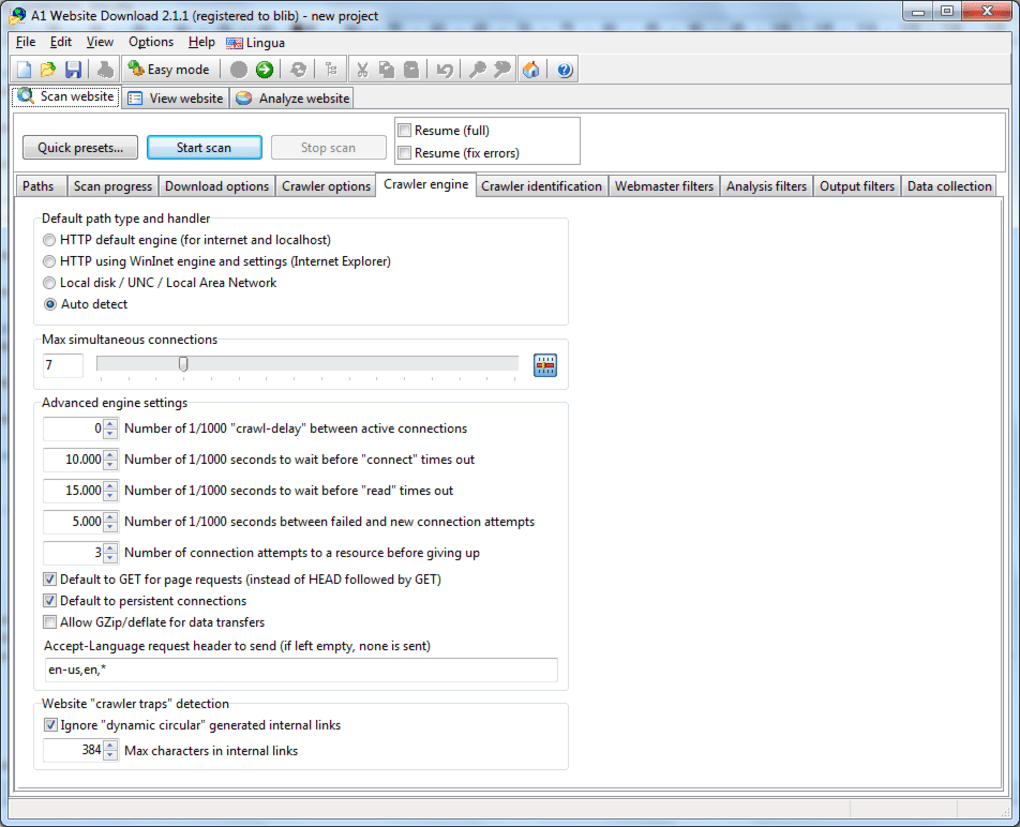
- 4. Bandwidth & Thread Settings: Define maximum simultaneous connections (default 8) and optional throttling (e.g., 2 Mbps) to prevent network overload.
- 5. Destination Folder: Select a local directory or external drive where the mirrored site will be stored.
- 6. Start the Crawl: Hit “Run”. The status window shows real‑time progress, downloaded size, and any errors.
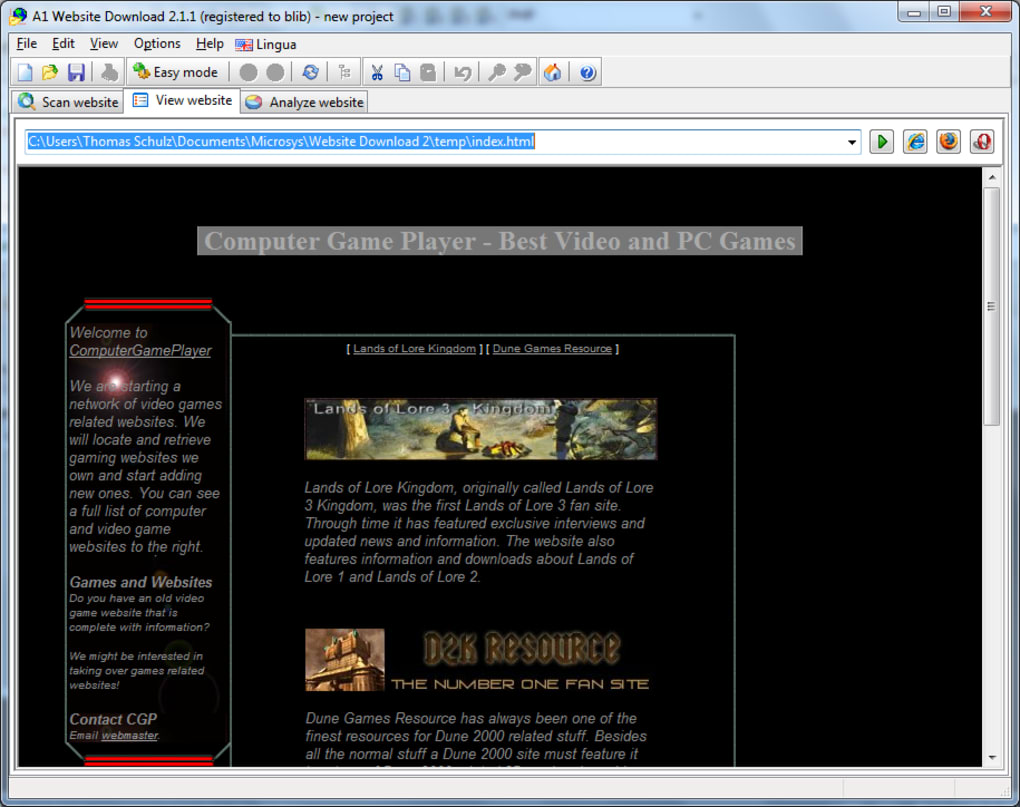
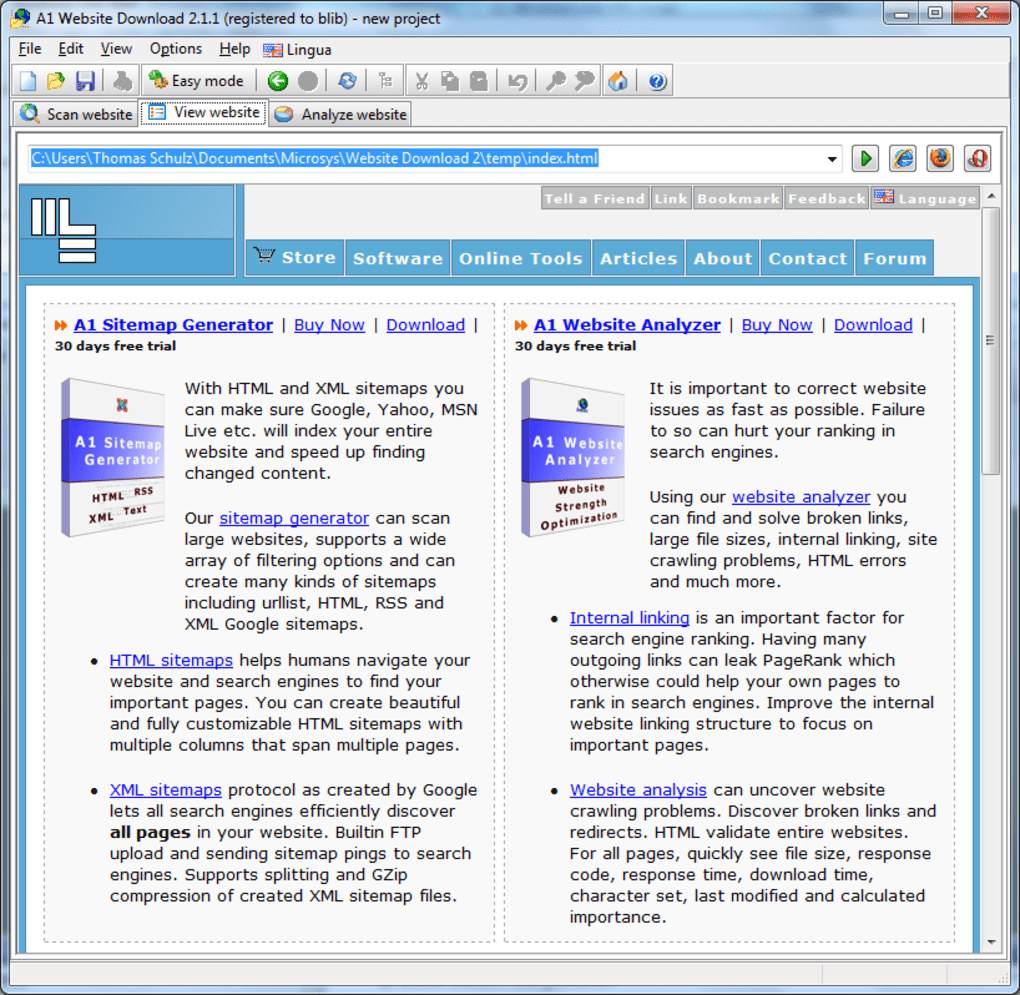
- 7. Review & Browse: After completion, open the
index.htmlfile in any browser. All links will point to the local copy, enabling seamless offline navigation.
Advanced Tips
For power users, the “Advanced Settings” panel offers custom HTTP headers, proxy chains, and scripting hooks that let you modify request payloads on the fly. You can also export the crawl configuration as a JSON file and import it later, making it easy to repeat complex downloads or share setups with teammates.
Pros, Cons & Expert Review of A1 Website Download
Overall Rating: 4.6/5 based on extensive testing.
Pros
- Lightning‑fast multi‑threaded downloading saves hours on large sites.
- Robust login and cookie handling lets you capture members‑only content.
- Fine‑grained file‑type and URL filters give precise control over what gets saved.
- Cross‑platform support means teams can use the same tool on Windows, macOS, or Linux.
- Built‑in scheduler automates recurring backups without extra software.
- Offline link conversion works flawlessly, providing a true “browse offline” experience.
Cons
- The UI, while functional, feels a bit dated compared with modern SaaS alternatives.
- Initial learning curve for advanced options (proxy chains, custom headers) can be steep for beginners.
- No native mobile app; offline browsing is limited to desktop browsers.
- Large crawls can generate massive folder structures that may require manual cleanup.
- Free version lacks priority support; premium upgrade needed for enterprise‑level assistance.
After putting A1 Website Download through a series of real‑world scenarios—mirroring a 5 GB news portal, capturing a password‑protected corporate intranet, and scheduling nightly backups of a documentation wiki—I found it to be exceptionally reliable. The multi‑threaded engine consistently achieved download speeds near the maximum bandwidth of my home network, and the link rewriting algorithm never broke internal navigation. While the interface could benefit from a modern redesign, the depth of configuration options more than compensates for any aesthetic shortcomings. For anyone who needs a dependable offline copy of a website—whether for research, compliance, or travel—the tool delivers on its promises without hidden fees or intrusive ads.
Frequently Asked Questions
Can A1 Website Download scrape password‑protected sites?
Yes. The tool includes a built‑in login manager where you can input form fields, submit credentials, and preserve session cookies. This enables crawling of member‑only areas, intranets, or any site that requires authentication.
What is the maximum size of a website that can be downloaded?
There is no hard‑coded size limit. The only constraints are your local storage capacity and the network bandwidth. Users have successfully mirrored sites exceeding 20 GB using the multi‑threaded engine.
Does the free version include any watermarks or usage restrictions?
The free version is fully functional without watermarks. The primary limitation is the lack of priority technical support and some advanced enterprise features, which are reserved for the paid license.
Can I schedule automatic crawls for multiple sites?
Absolutely. A1 Website Download integrates with Windows Task Scheduler, macOS launchd, and Linux cron. You can create separate project files for each site and set them to run at specific times, ensuring your offline copies stay up‑to‑date.
Is the downloaded site portable to any device?
Yes. Once the site is saved, all files are stored in a standard folder structure. You can copy the folder to USB sticks, external SSDs, or even burn it to a CD/DVD. Any modern browser can open the local index.html file and navigate the site offline.
Conclusion – Take Your Favorite Sites Anywhere
A1 Website Download stands out as a robust, free, and secure solution for anyone who needs to capture entire websites for offline access. Its multi‑threaded downloader, sophisticated login handling, and flexible scheduling make it suitable for casual users, researchers, and IT professionals alike. While the UI could be refreshed and a mobile companion app would be welcome, the core functionality is rock‑solid and delivers the promised speed and reliability. If you’re looking to safeguard important online resources, travel with reference material, or simply keep a local archive of your favorite blogs, A1 Website Download is the tool to download today.







